For a decade, UX/UI was built on static mockups: fixed grids, identical screens for everyone. In 2026, the interface becomes a living system adapting to each user's context and intent. Generative UI is a practical shift in how we design digital products.
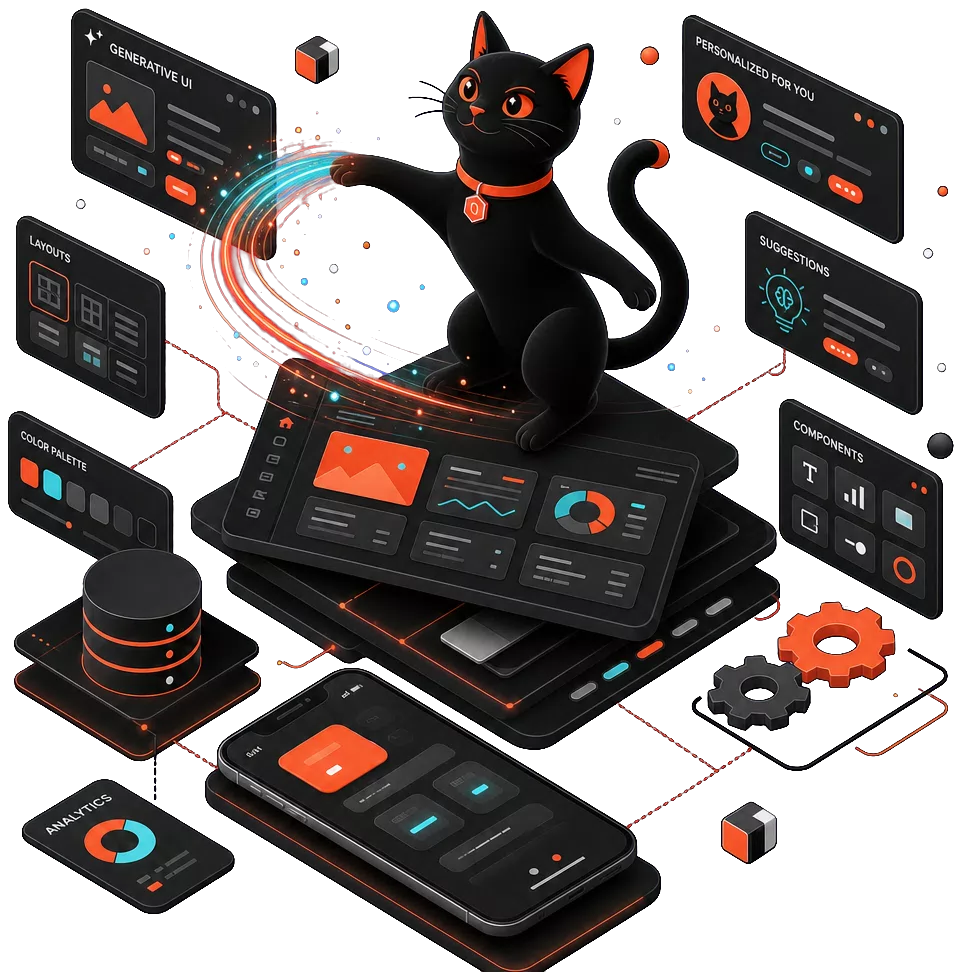
The end of the static mockup era
Templates stop working when content is generated on the fly. LLMs and predictive analytics reshape layout and navigation in real time. Designers craft a system of rules — from which the interface assembles itself dynamically, not 40 static screens. For innovative startup founders, this is a chance to stand out: a product that "understands" the user from the first session competes not only on design, but on interface intelligence.
Hyper-personalization: an interface for everyone
AI analyzes behavior, context, and goals — then restructures the page for that user. Not recommendations at the bottom of the feed, but a change in hierarchy: what appears first, which actions are available.
Example: a fitness app reshapes its dashboard by time of day, fatigue level, and goal — weight loss, muscle gain, or recovery. Morning — workout of the day; evening — stretch routine and sleep advice.
The result: higher retention and loyalty. Hyper-personalization turns the interface from a barrier into a guide.
From clicks to intent: Intent-based UI
The system predicts the next action and surfaces the right element at the right moment — based on behavior patterns and LLM integration. "Repeat last week's order" needs no history navigation — the interface shows a one-tap card immediately. Intent-based UI shortens the path to the goal and reduces cognitive load — especially on mobile, where every extra screen hurts conversion. Product managers get an interface that works on retention, not just the first click.
Tomorrow's toolkit at Piplos Media
AI amplifies the designer, it does not replace them.
Speed: layout variants, accessibility checks, AI-driven prototyping — routine moves to tools, humans focus on strategy.
Quality: AI proposes options, the designer curates and ensures brand coherence.
Accessibility: automatic adaptation for people with disabilities — alt text, scaling, color-blind modes.
Learn more in web design and UI/UX and mobile interfaces.
2026 trends: what becomes standard tomorrow
Zero UI — interfaces driven by voice, gestures, and context without a screen. Adaptive typography and color — for lighting, mood, and device. Emotional design — interfaces that read emotions and respond. Multi-modal interfaces combine touch, voice, and vision.
For marketing leaders, this means a unique visual style without manually assembling hundreds of variants: AI generates adaptive components, the team sets brand guardrails. 2026 trends are no longer science fiction — market leaders are already shipping them.
Frequently asked questions
Will AI replace UX/UI designers?
No. AI automates routine — variants, checks, prototypes. Strategy, empathy, business context, and final decisions stay with humans. Designers gain superpowers, not a replacement.
Where do we start with Generative UI?
With an audit of the current product: where personalization will have the biggest impact — onboarding, dashboard, checkout. Then a pilot on one scenario with before-and-after metrics. Dynamic layouts and AI-driven prototyping let you validate a hypothesis in weeks, not months.
Does Generative UI work for B2B?
Yes. Corporate dashboards, CRMs, and internal portals benefit from adaptation to role, task, and workday context. Intent-based UI cuts time on routine operations — and marketing leaders get a personalized customer journey without manually configuring hundreds of scenarios.
How do we ensure accessibility in dynamic interfaces?
Bake accessibility rules into the design system from day one: semantic markup, contrast, keyboard navigation. AI helps validate and generate accessible variants, but the final audit is on the team. This matters especially with hyper-personalization: adaptation must not break accessibility for assistive technologies.
The design of the future is not about beauty for its own sake — it is about intelligence and utility. Examples of our work are in the portfolio. Ready to design an interface that speaks your users' language: request a concept design.