At the input:
- a live product around TTS;
- a strong branded UI (dark blue palette, typography, animations);
- a request for Video Generation: Text-to-Video and Image-to-Video;
- the requirement to think as an AI aggregator from the start — with the ability to connect new models and generation types without rebuilding the site.
Stage goal: one dashboard, two directions (speech and video), a unified story, clear limits, and a backend that holds provider keys and orchestrates asynchronous generation.
What is Syntext
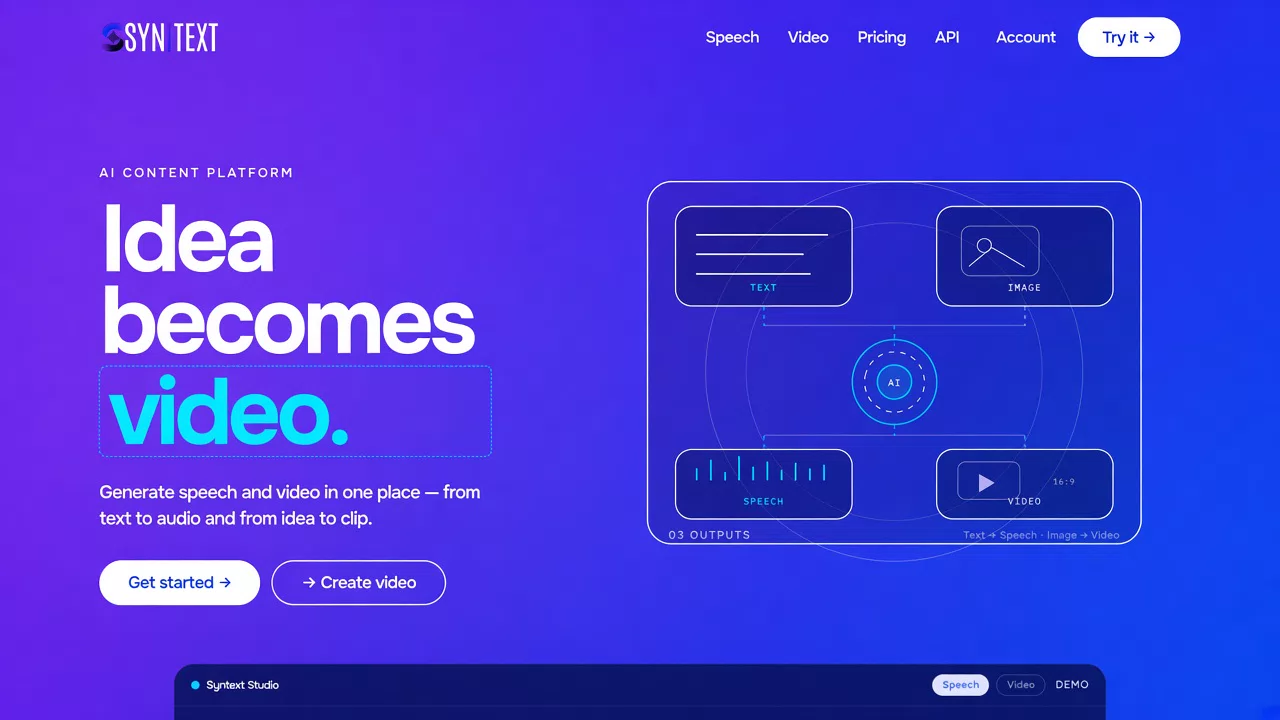
Syntext is a web platform for creating audio and short video with AI.
In one product:
- Text-to-Speech — text → speech with voice selection, parameters, and export;
- Text-to-Video — description → clip;
- Image-to-Video — image + prompt → animation / video;
- unified story of Audio / Video;
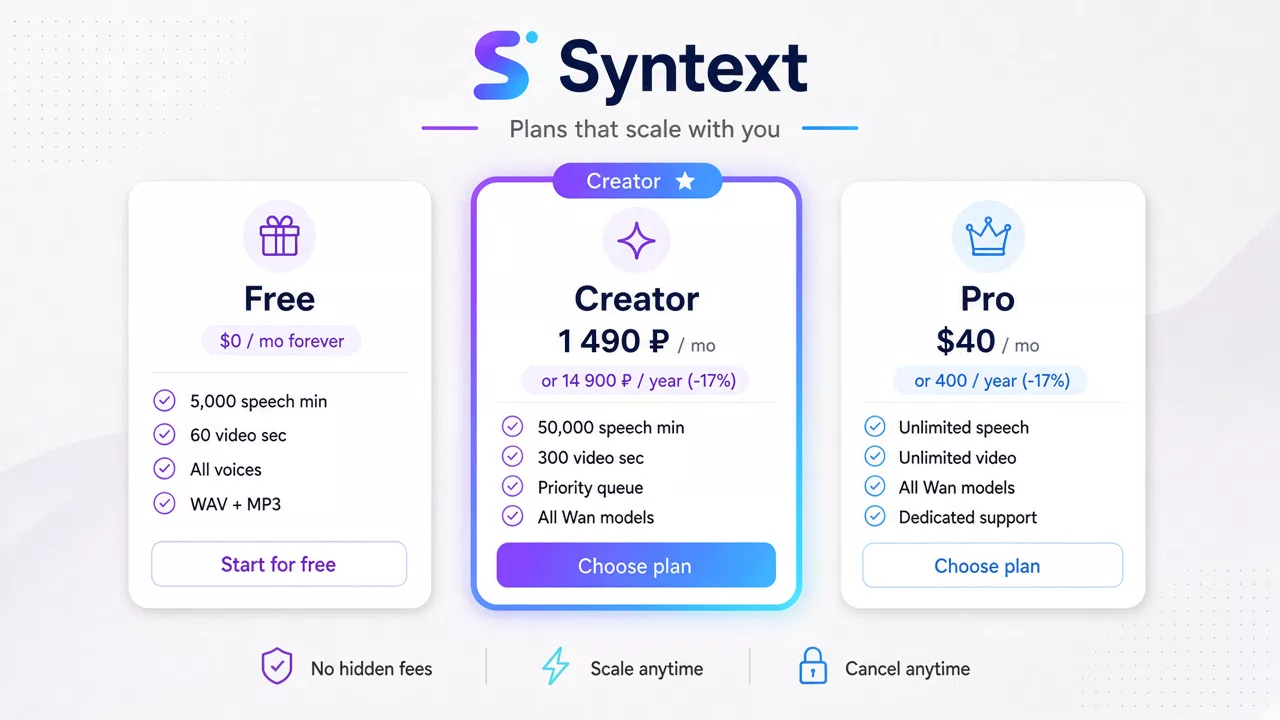
- tariffs and packages based on minutes of speech and seconds of video;
- API request for programmatic access.
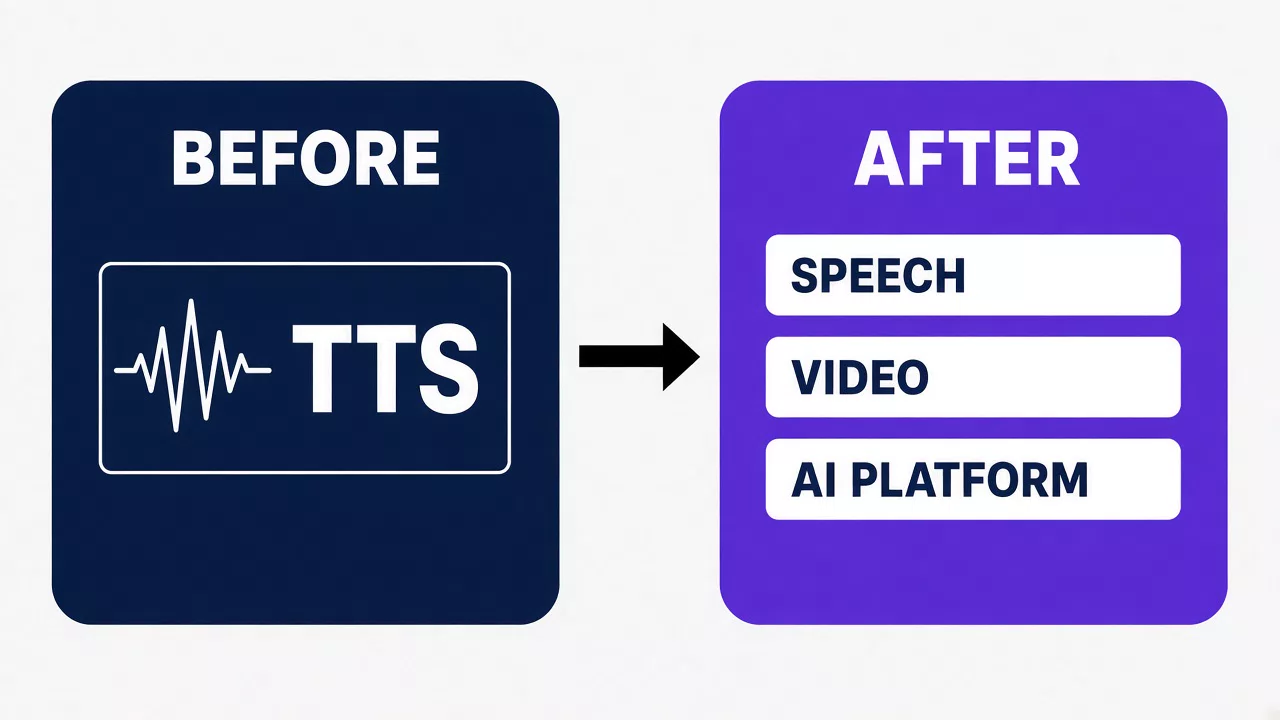
Positioning: not "yet another TTS", but an entry point into content generation with a unified UX flow Input → Processing → Generation → Result.
Main Features
1. Text-to-Speech
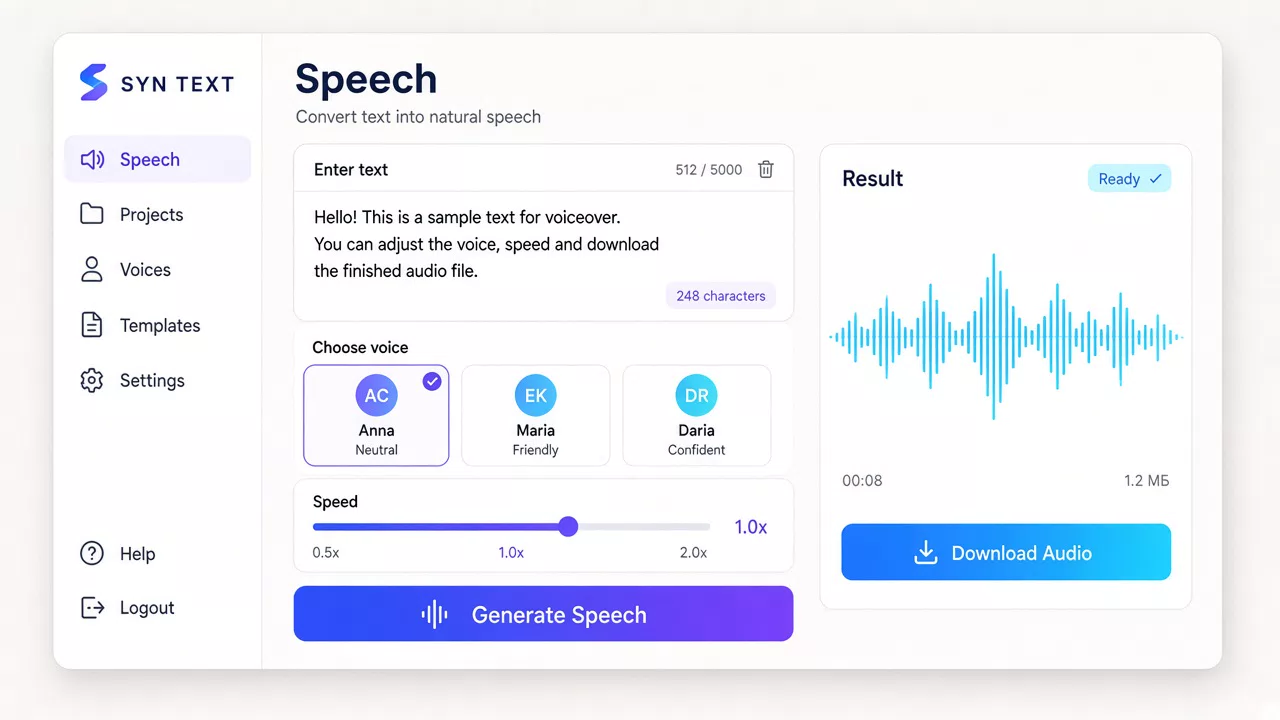
Working voiceover scenario in the dashboard:
- text editor and preview;
- voice catalog (Russian prioritized, also English and German);
- speed, pause, and format parameters;
- inline speech control tags (for models like Higgs TTS);
- result export (WAV / MP3);
- minute accounting per tariff.
A public demo lets you try voiceover without fully entering the dashboard.
2. Video Generation
The Create Video section is designed for two modes:
- Text-to-Video — generation from a text description;
- Image-to-Video — generation / animation based on an uploaded frame.
The UI includes a catalog of Wan family models (including Wan 2.2 / 2.7 / 3.0 and related presets): duration, resolution, description / frame / reference modes.
Generation statuses are asynchronous: preparation → processing → generation → ready result with download.
3. Unified Generation Story
At /app/istoriya, results from both directions are collected:
- type: Audio / Video;
- mode (for video — Text-to-Video / Image-to-Video);
- date, prompt, status;
- re-view and download.
The story is designed so that new generation types can be added later without changing the "personal account" model.
4. Marketing, Tariffs, and Scenarios
The public part explains the product through:
- a landing page with AI platform positioning;
- pages for features, voices, tariffs, FAQ;
- usage scenarios: YouTube, podcasts, audiobooks, education;
- an API page with request collection.
Tariff logic — minutes of speech + seconds of video, plus one-time packages on top of the subscription. The commercial loop is designed to connect payment and manual/automatic access activation.
Architecture
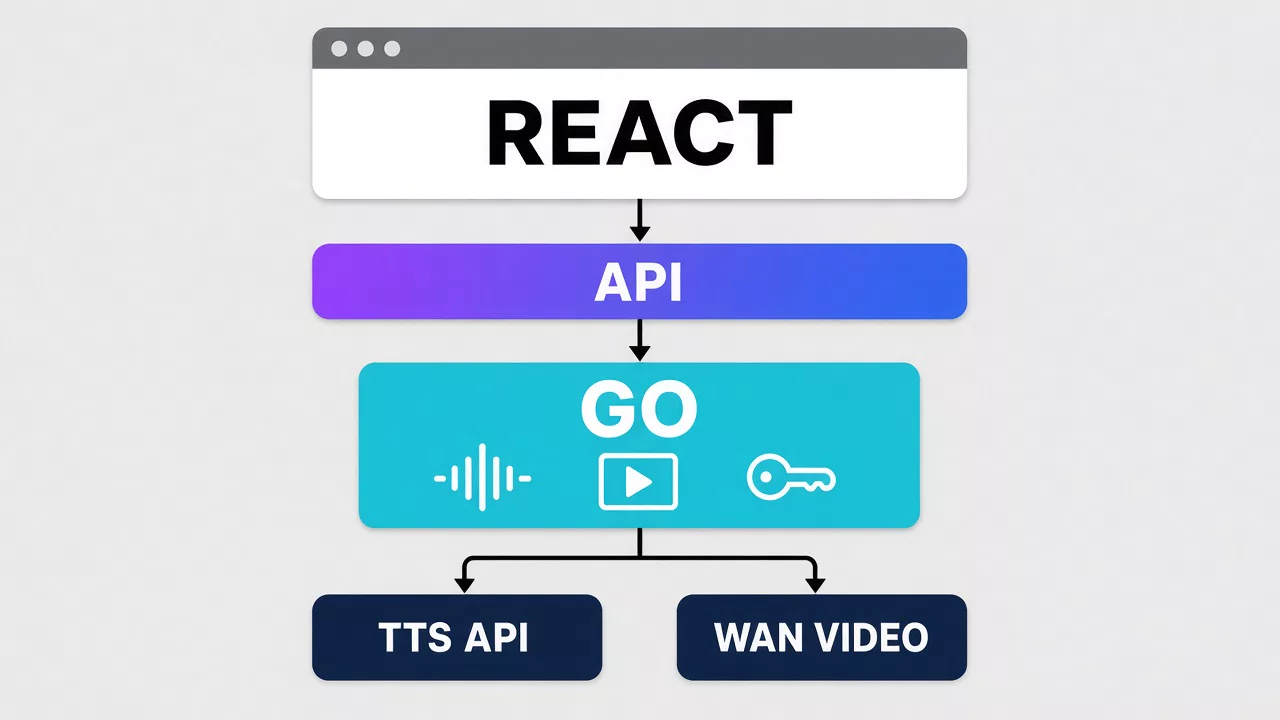
The product is split into two loops with different roles.
React — the face of the product
SPA without SSR:
- PublicLayout — landing, demo, auth, marketing;
- AppLayout — speech generator, video, history, settings.
Frontend stack: Vite, React 19, TypeScript, Tailwind CSS 4, React Router, Zustand, Framer Motion.
The frontend handles generation UX, visual loading states, in-interface limits, and working with the result. The client has no direct access to external AI API keys.
Go — AI aggregator and orchestrator
The Go backend accepts dashboard requests and:
- validates generation parameters;
- creates a task with the AI provider;
- stores the task ID and statuses;
- polls / receives the result;
- returns the finished file or link to the client;
- accounts for the user's limit consumption.
Provider keys live only on the backend. The first-stage schema:
Syntext Frontend (React)
↓
Syntext Backend (Go)
↓
AI Provider / Model (TTS · Wan and others)
↓
Generation Result
This way the platform remains an aggregator: TTS models, Video models can be swapped, and new generation types can be added without rewriting the entire dashboard.
Why this role split
- UI and branded experience evolve quickly on React;
- long-running AI tasks, retries, timeouts, and secrets are the backend's domain;
- Go is convenient for concurrent orchestration of many asynchronous jobs;
- a unified frontend API contract allows swapping the provider "under the hood".
How a typical workflow looks
Voiceover
- Open the dashboard
/app or demo /tekst-v-rech.
- Paste text, select voice and parameters.
- Start generation and wait for the ready status.
- Download the audio or find the version in history.
Video
- Open
/app/video.
- Select Text-to-Video or Image-to-Video.
- Set the prompt / upload a frame, choose model and duration.
- Wait for asynchronous generation and download the clip.
Product meaning — speech and video live in the same interface rhythm: identical waiting phases, clear limit consumption, shared history.
Who this is useful for
YouTube / Shorts / Reels creators
Voiceovers and short AI clips without a separate studio and without jumping between services.
Podcasters and audio projects
Intros, outros, draft tracks, re-generation after script edits.
Educational products
Voice for slides, micro-clips for lessons, quick text iterations.
Content and marketing teams
A unified dashboard for regular release of videos, teasers, and voiceovers with limit control.
Developers / integrations
API request — a path to programmatic generation on top of the same backend aggregator.
Key Project Decisions
- extend TTS to an AI platform without building a new site from scratch;
- preserve Syntext's visual language and adapt it for Audio + Video;
- maintain a unified generation UX flow for different modalities;
- move secrets and provider orchestration to a Go backend;
- design history and dashboard as the foundation of an AI aggregator, not as "two separate tools";
- count limits in clear units: minutes of speech and seconds of video;
- never expose API keys in the frontend, even at the mock / integration stage.
What's already in the product shell
- landing page and public pages (features, voices, scenarios, tariffs, FAQ, API);
- auth screens and dashboard with side navigation;
- speech generator and Create Video;
- unified Audio / Video history;
- voice and Video model catalog;
- tariff grid and top-up packages;
- design tokens, state animations, desktop / mobile adaptation.
The next loop is strengthening the production backend: real providers, billing, job resilience, model expansion, and a programmatic API.
Next Step
Visit syntext.cc, try the voiceover demo, and check out the Video dashboard — there you can see how both directions already live in one product shell.